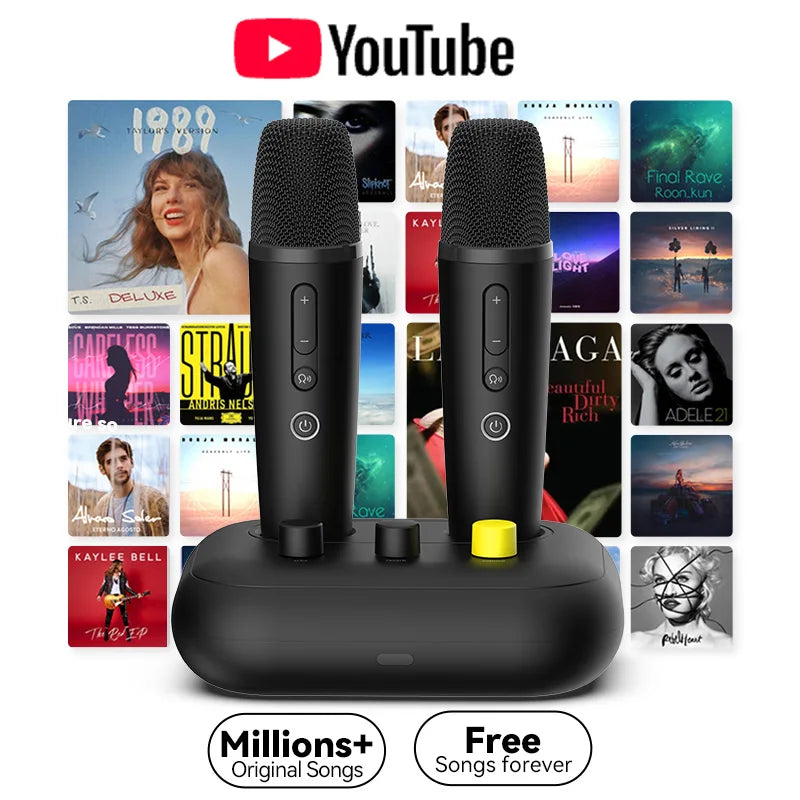
Puremic Karaoke Machine K3 with Millions Songs Free Forever Duet Karaoke Mics for Singing with Rechargeable Dock, HDMI+Aux Cable
Puremic Karaoke Machine K3 with Millions Songs Free Forever Duet Karaoke Mics for Singing with Rechargeable Dock, HDMI+Aux Cable
Regular price
$305.99 USD
Regular price
Sale price
$305.99 USD
Shipping calculated at checkout.
Quantity
Couldn't load pickup availability
Instruction Video Link: https://youtu.be/07vd08Jubfs

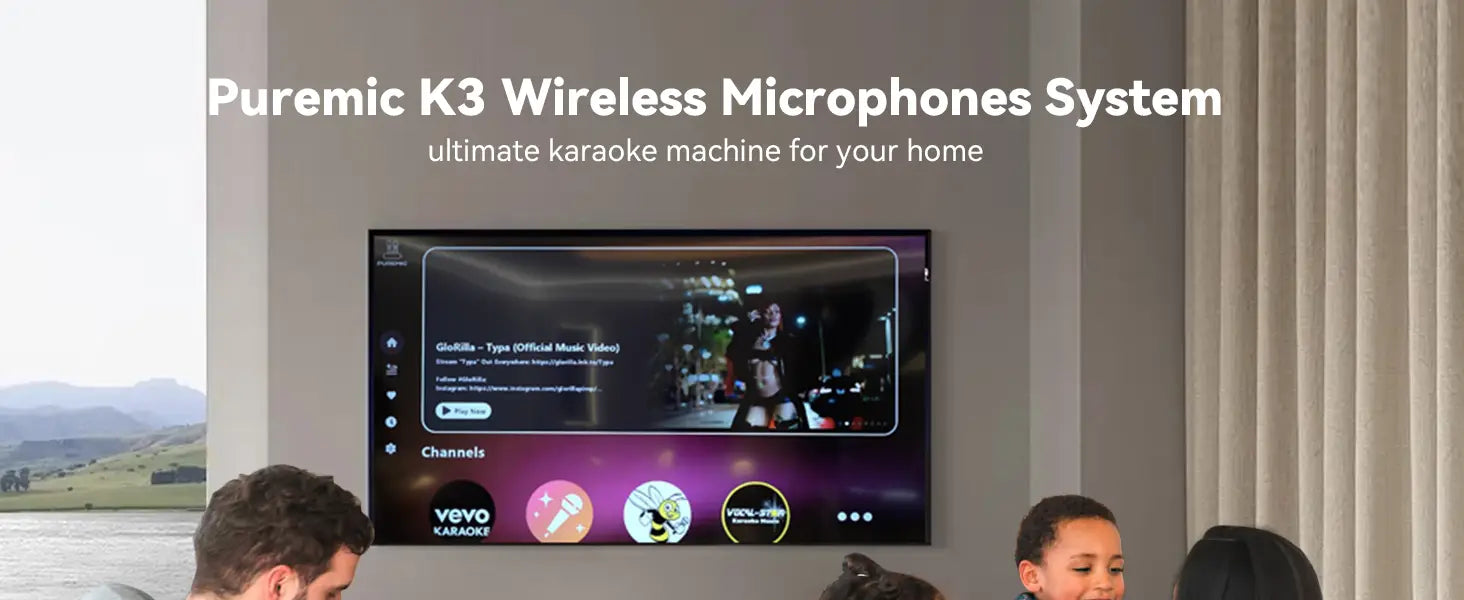



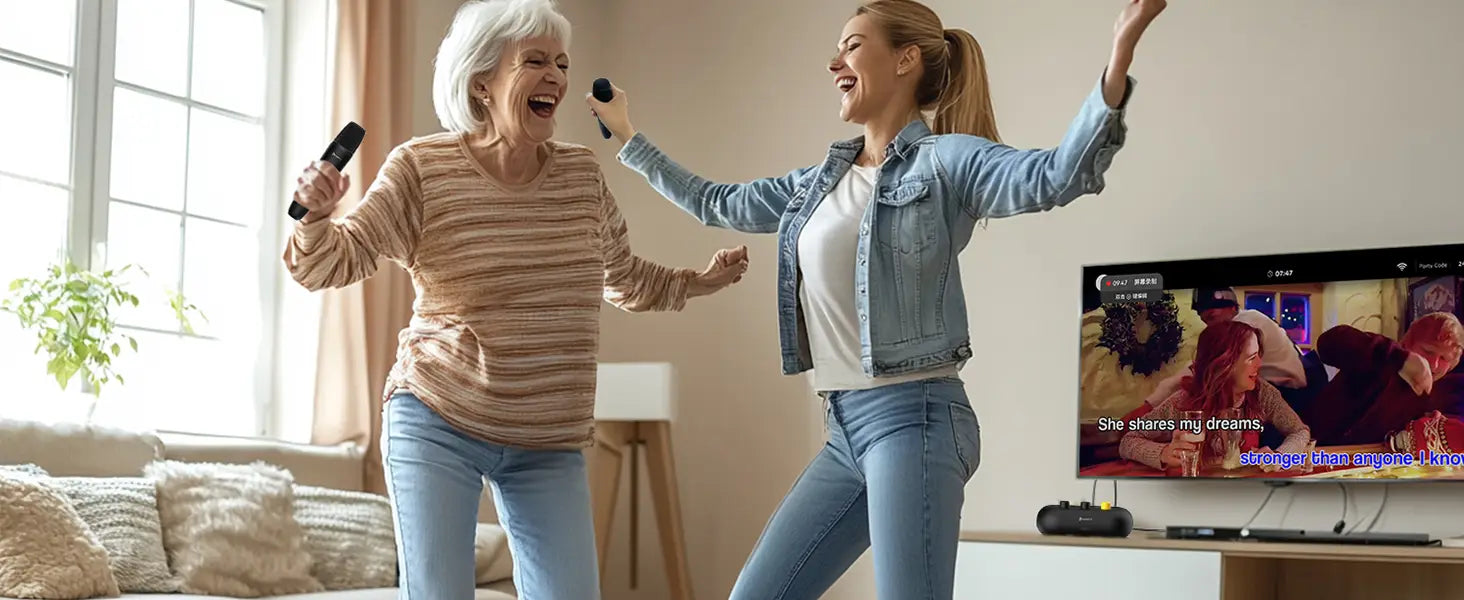
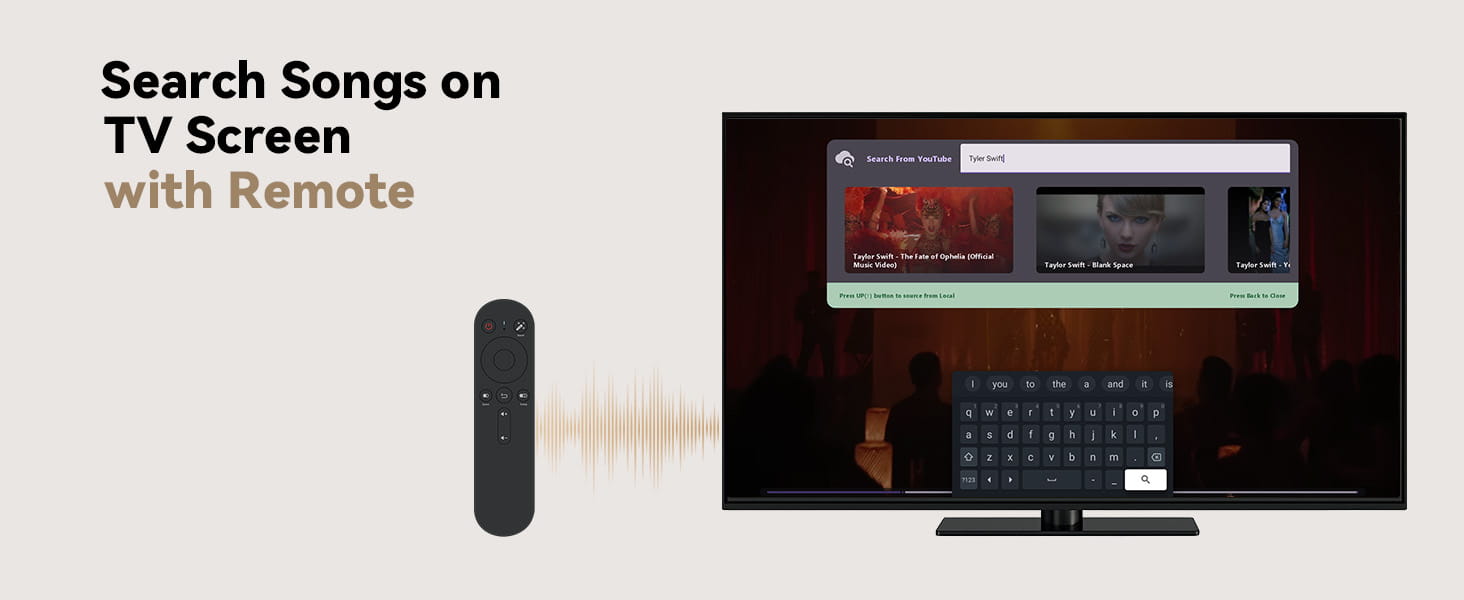
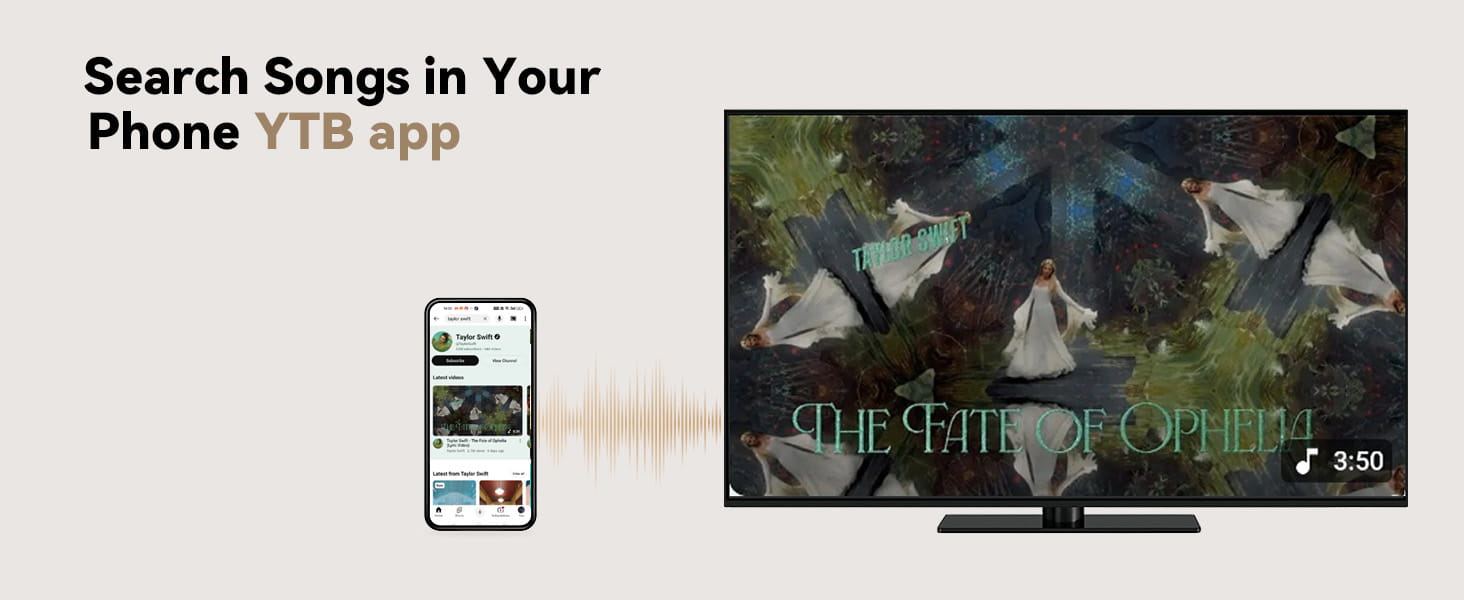


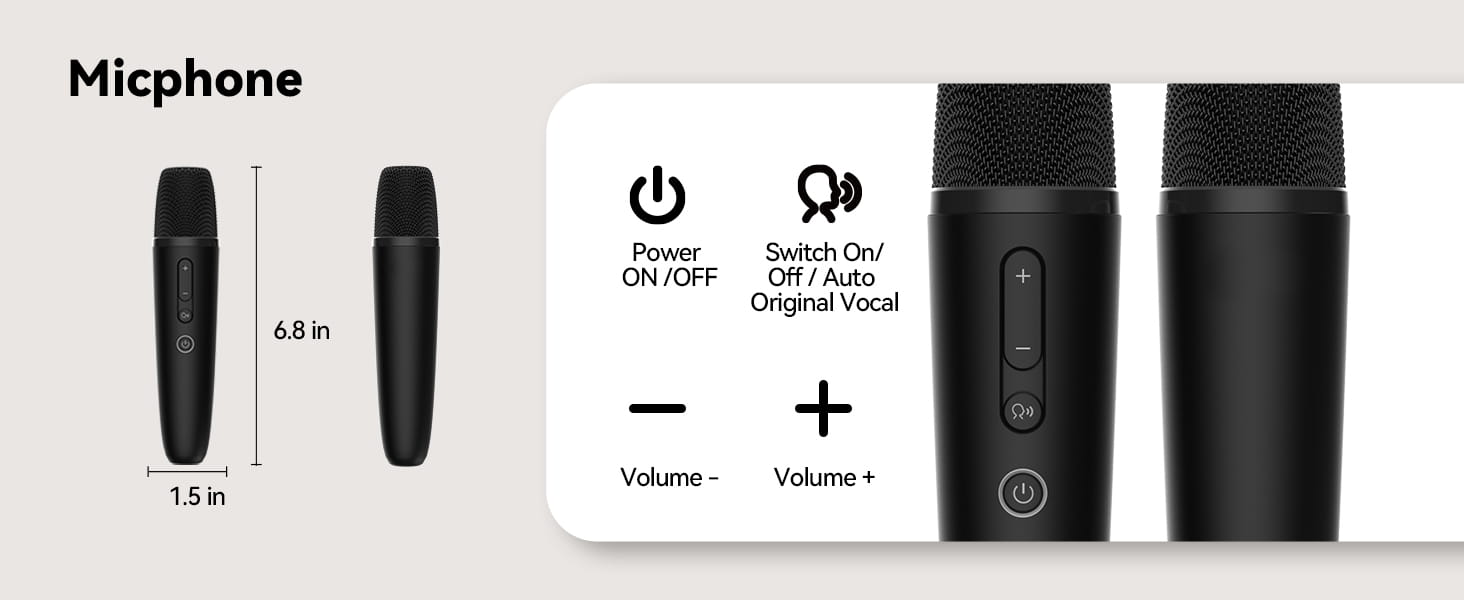
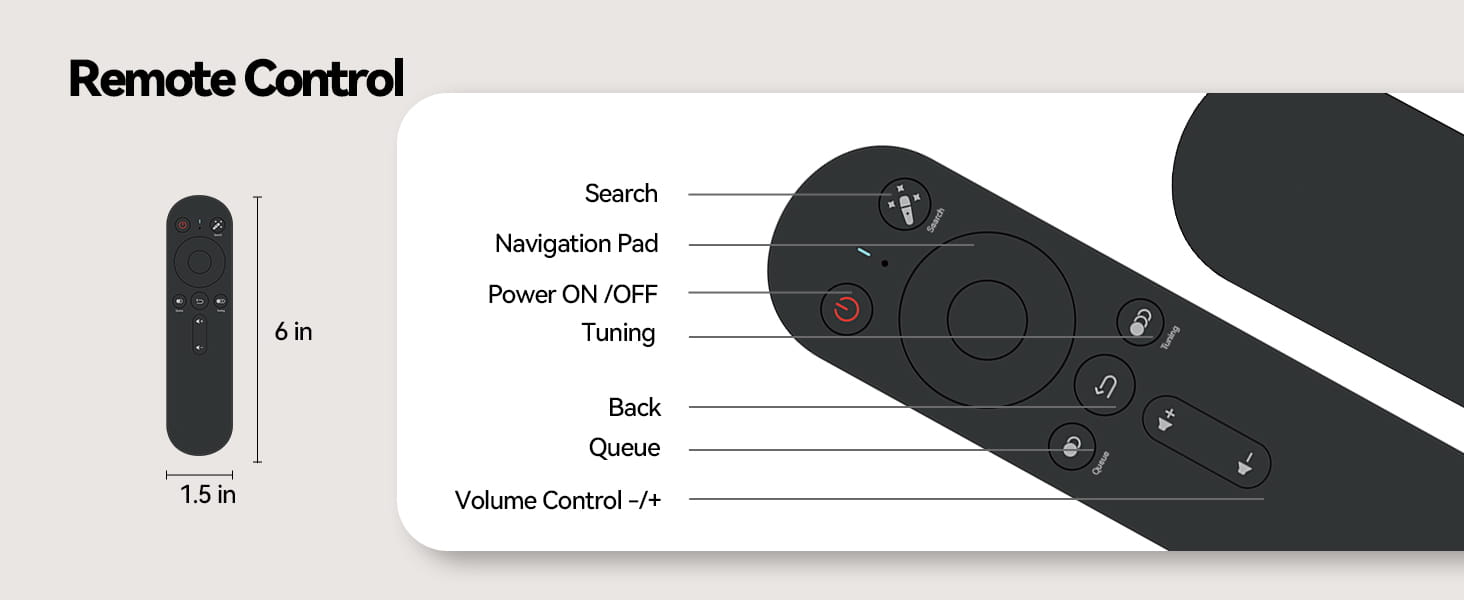
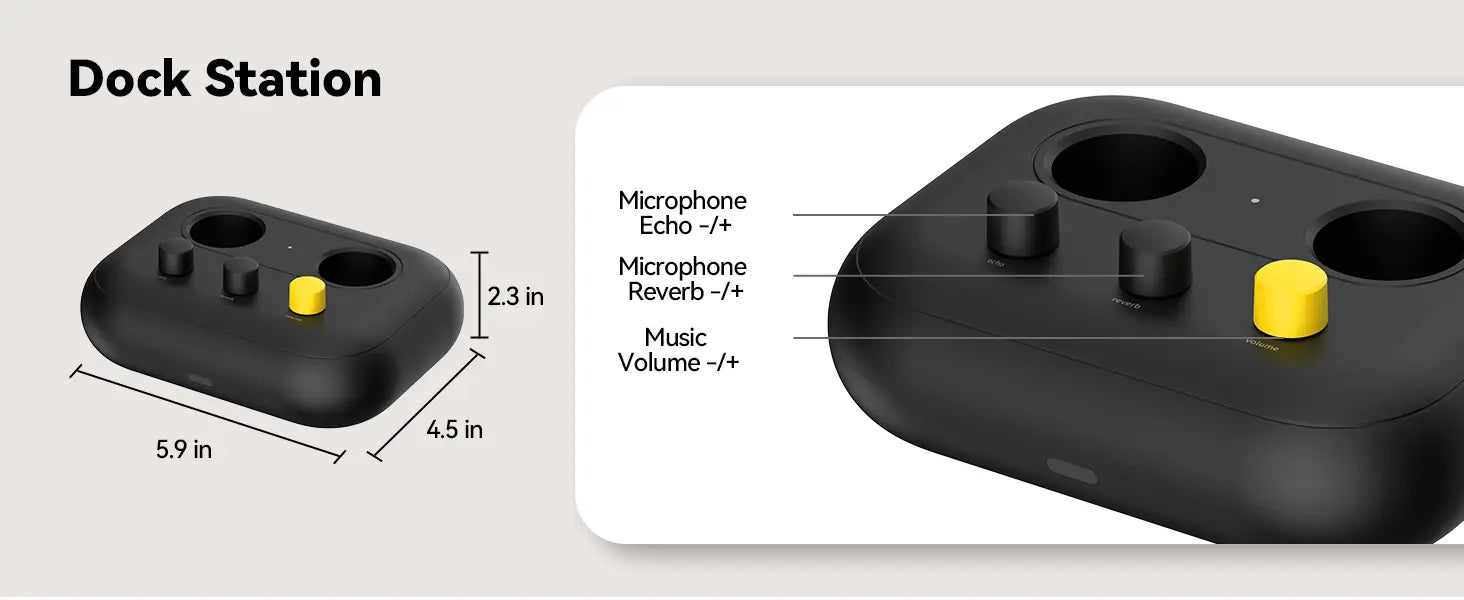
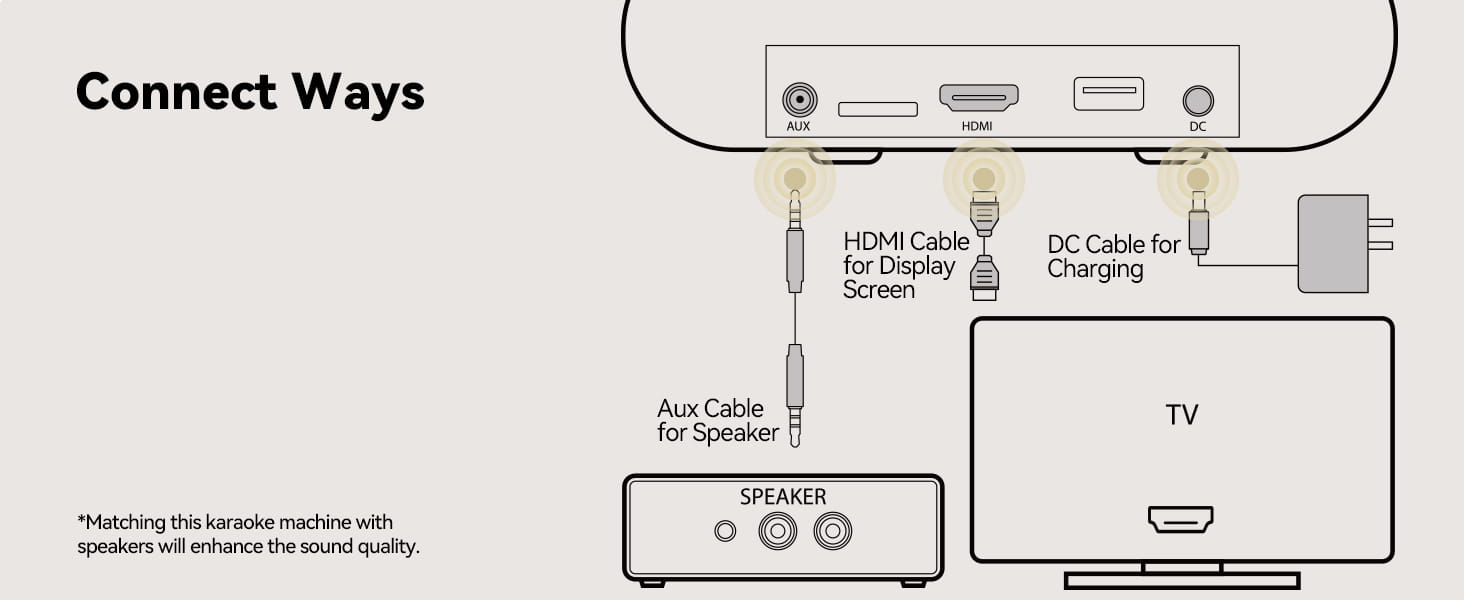
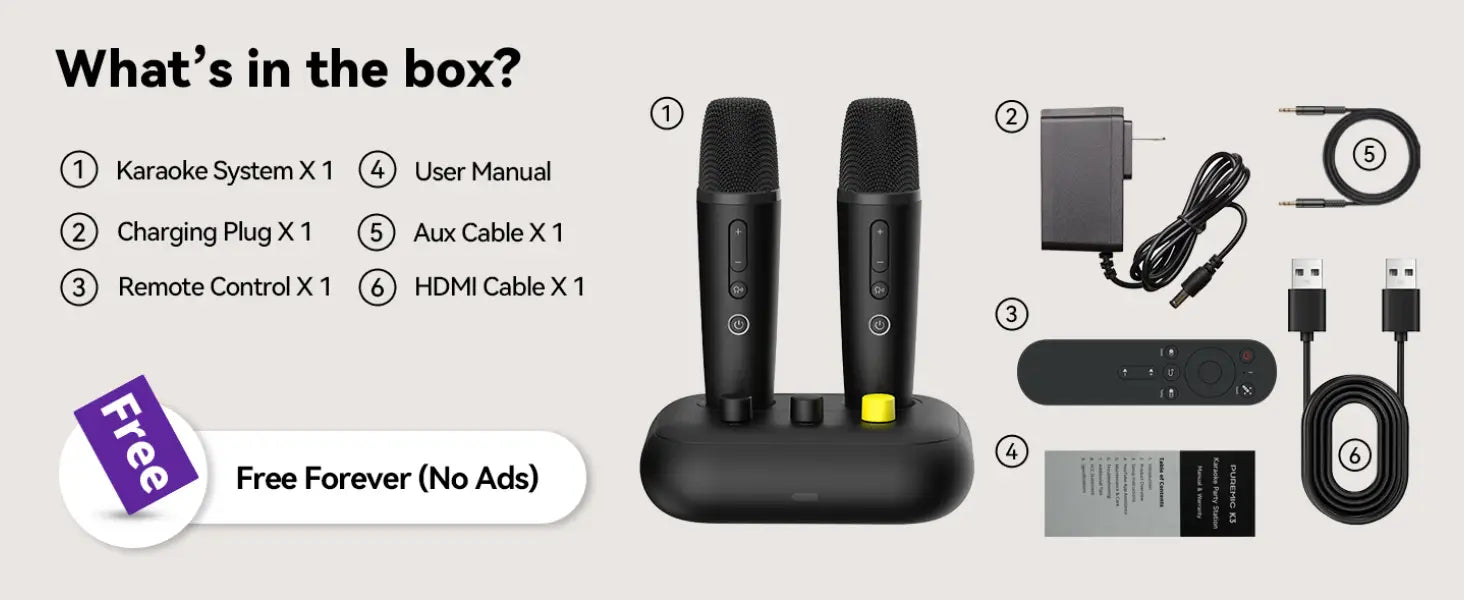
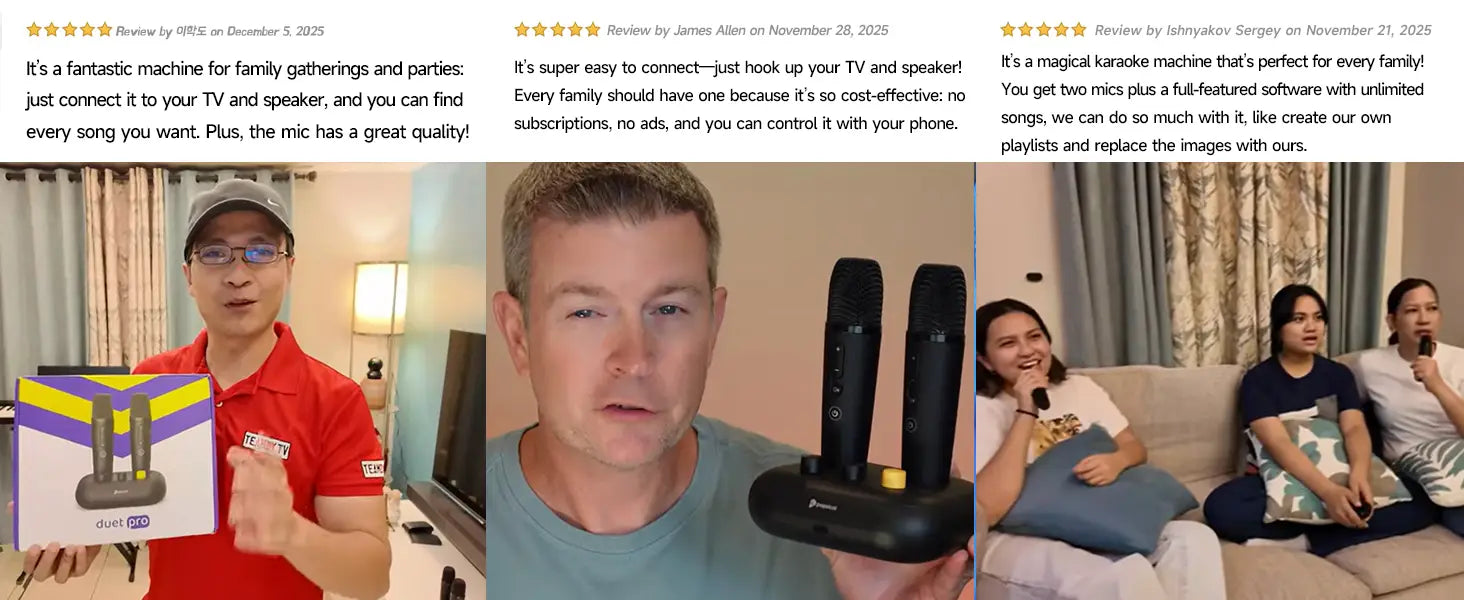
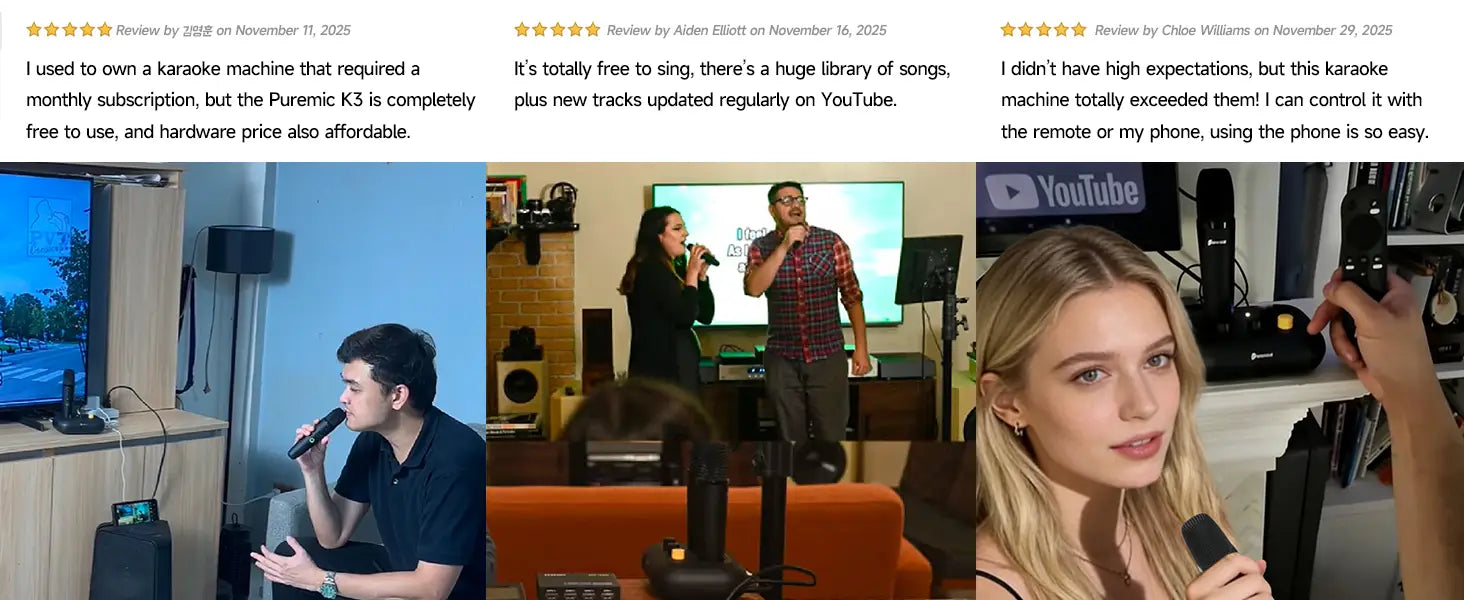
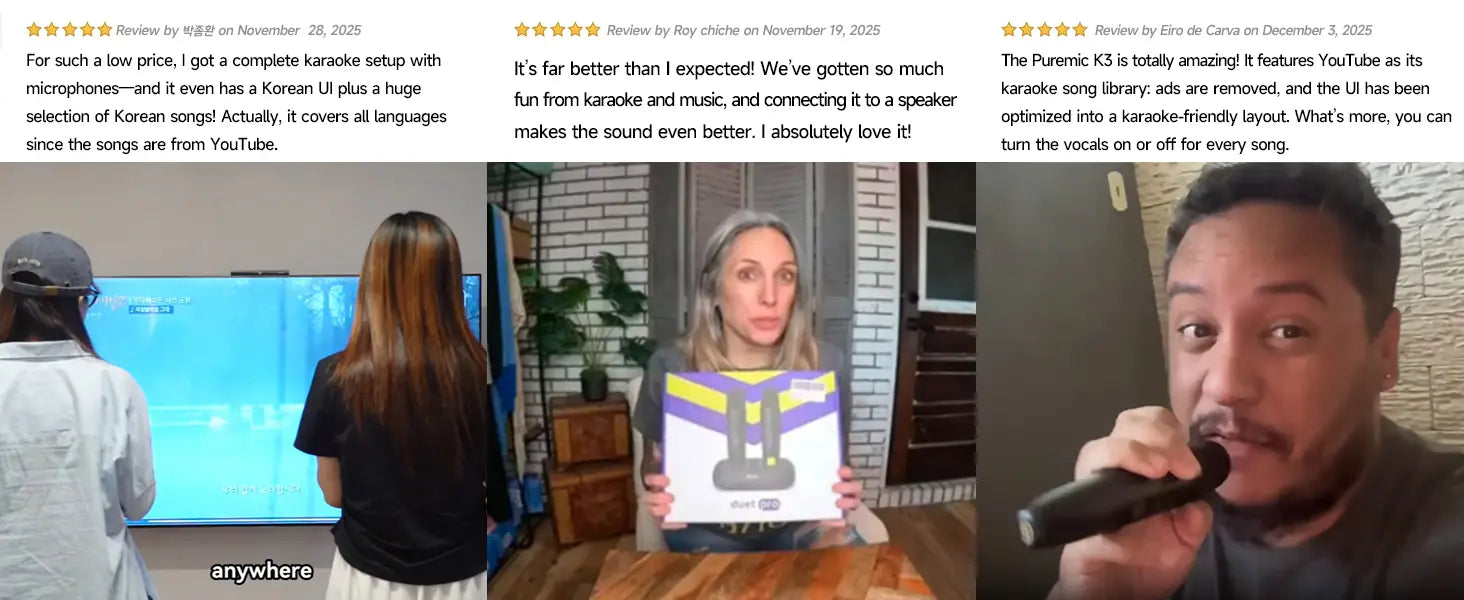
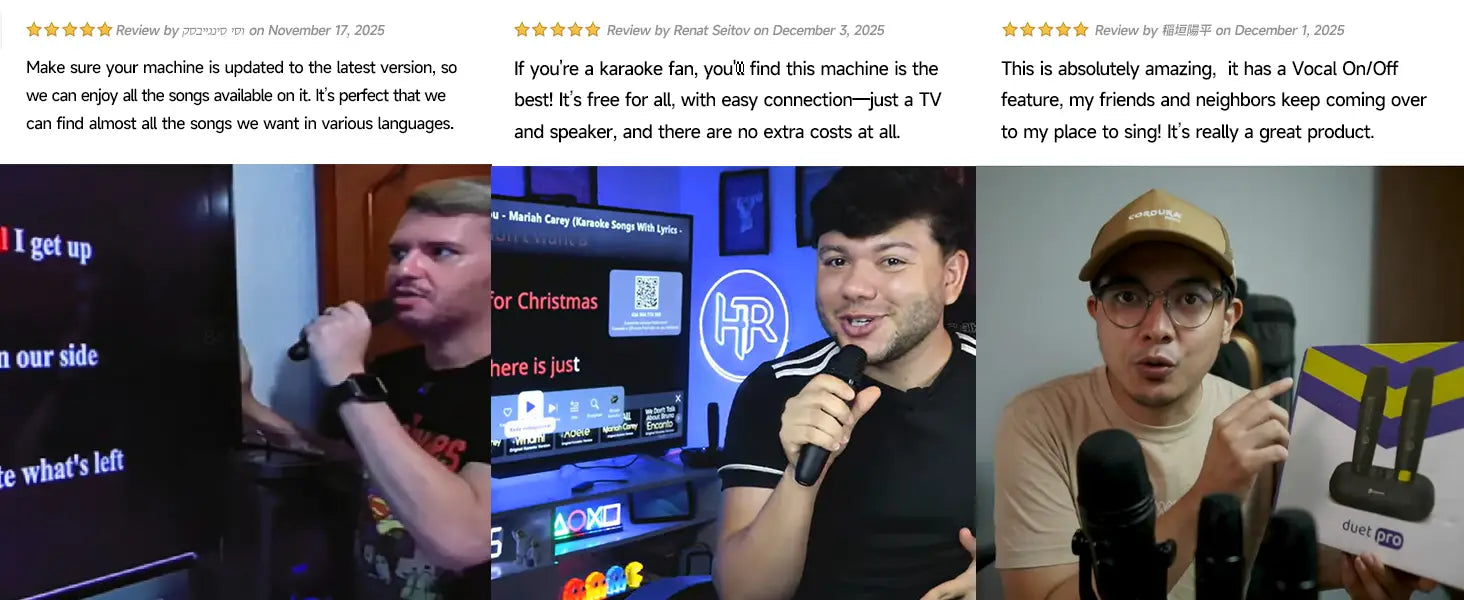
Its the Karaoke industry revolution, its totally changed the Karaoke mode, On this device you can enjoy:
Unlimited free YouTube karaoke tracks
Custom party playlists to set your vibe
No ads, or subscriptions—grab the mic and sing
YouTube phone app control & voice search
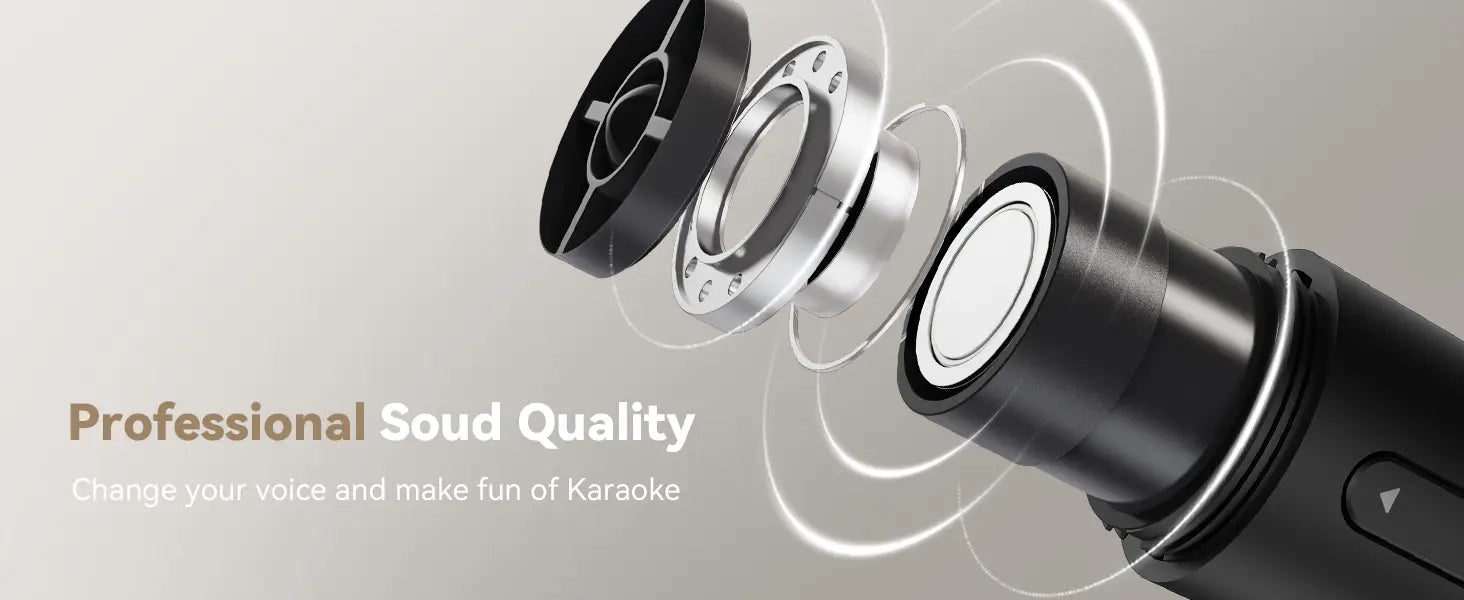
Studio-grade sound effects
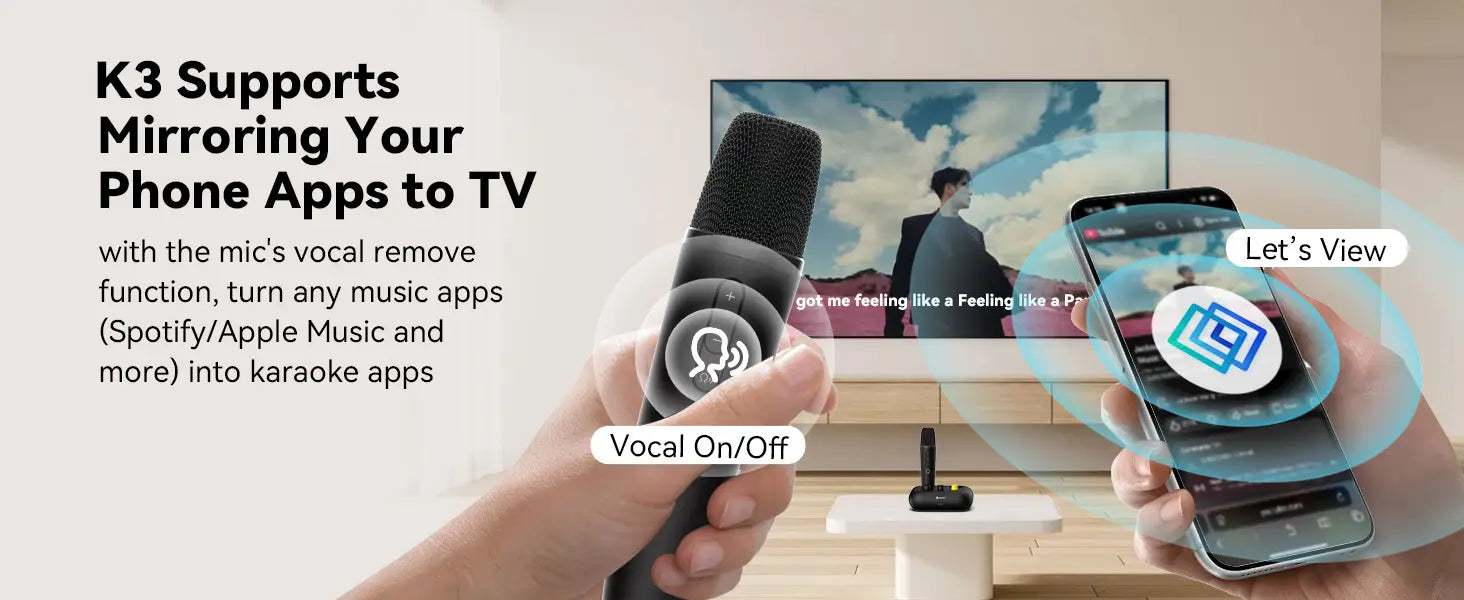
Vocal Switch (On/Off/Auto) for guidance
All-language songs + multi-version songs
Say goodbye to song cards, low-quality MIDI, monthly fees, hard drive storage, messy connections, and songbooks! All you need is a TV to access endless free songs.
Pair with a speaker, grab the mic, and sing original tracks—control via remote & phone app.
Questions & Answers:
Q1: How to connect?
A1: Connect the karaoke machine to your TV using an HDMI cable(included), start the machine, connect it to your home WiFi, and you’re ready to go!
For the best karaoke experience, suggest connecting an external speaker (turn up the speaker volume and set the TV volume to ZERO).
Q2: Speaker connection & mic power?
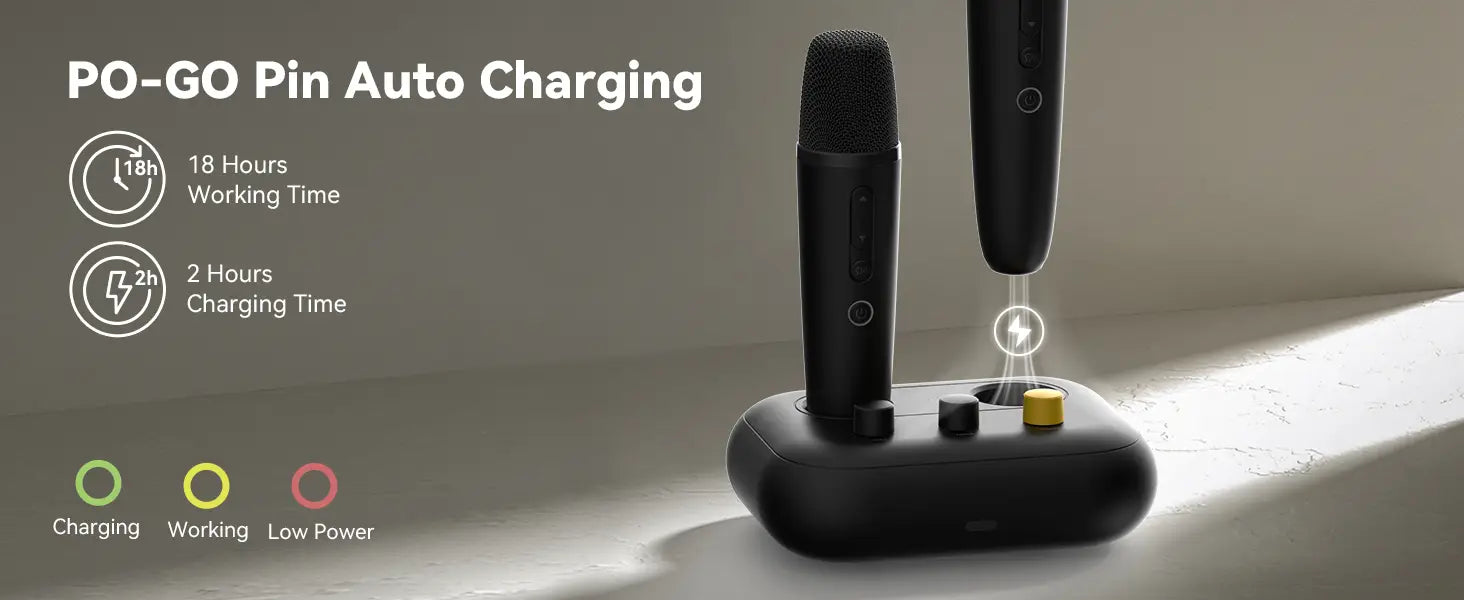
A2: Use included AUX (or RCA) cable for speakers. Mic has built-in lithium battery—charge on the machine’s dock.
Q3: Are the songs original, with new songs, and do they get updated regularly?
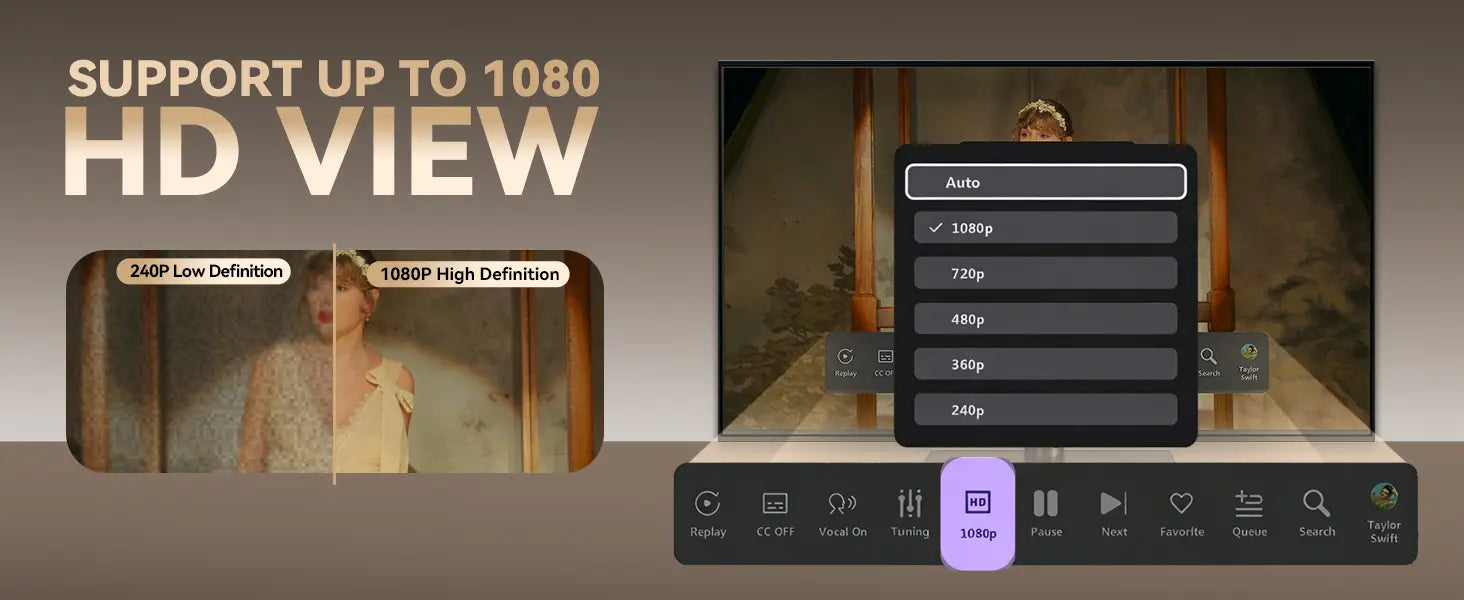
A3: Absolutely yes, and all are free! You can find original HD versions of all songs and add them to your playlists.
Since the songs are sourced from YouTube, they are updated regularly, and many songs are available in multiple versions.
Just add your preferred version to your playlist for easy access next time!
Q4: Remove original vocals?
A4: Press "Mic Vocal Button" for 3 modes:
Vocal On: Keep original vocals
Vocal Auto: Guide vocals; reverts to original if silent 4+ sec
Vocal Off: Lower original vocals means vocal elimination Activated.
Q5: Search songs with lyrics?
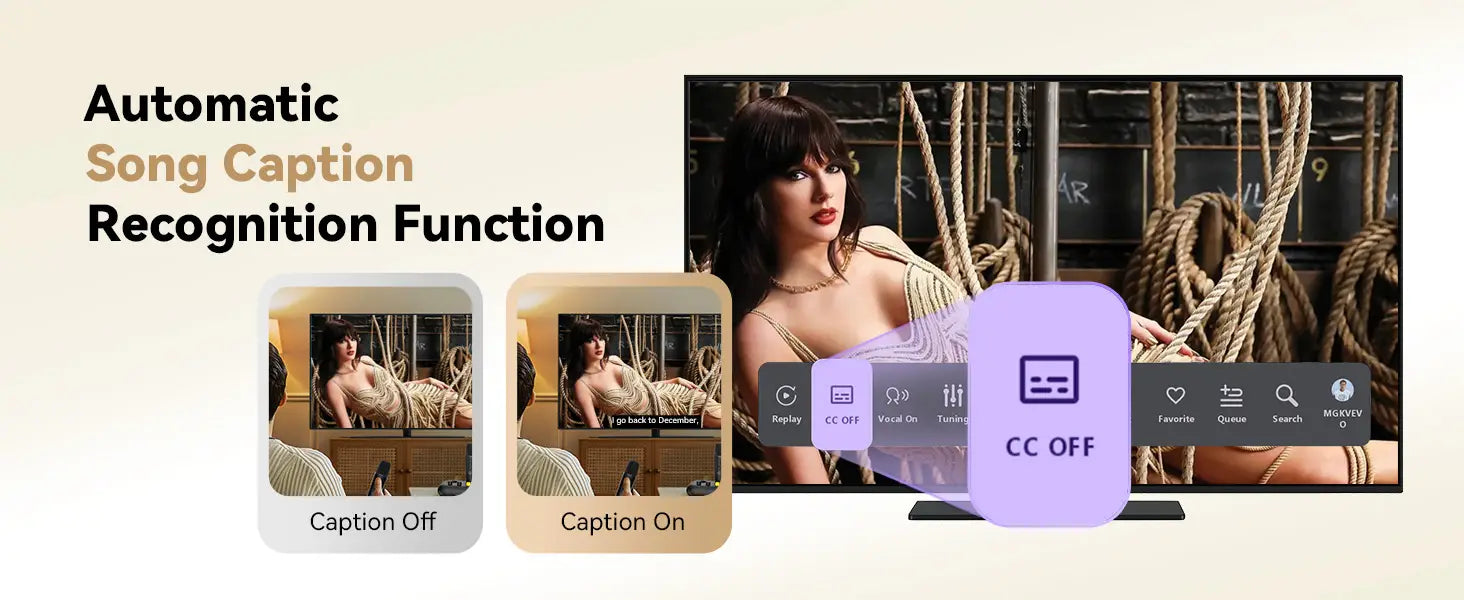
A5: Use YouTube Phone App (easier than remote). Search "X karaoke version" (e.g., "Perfect karaoke version") for lyric tracks. Set to "VOCAL ON".
Q6: How use YouTube App for control?
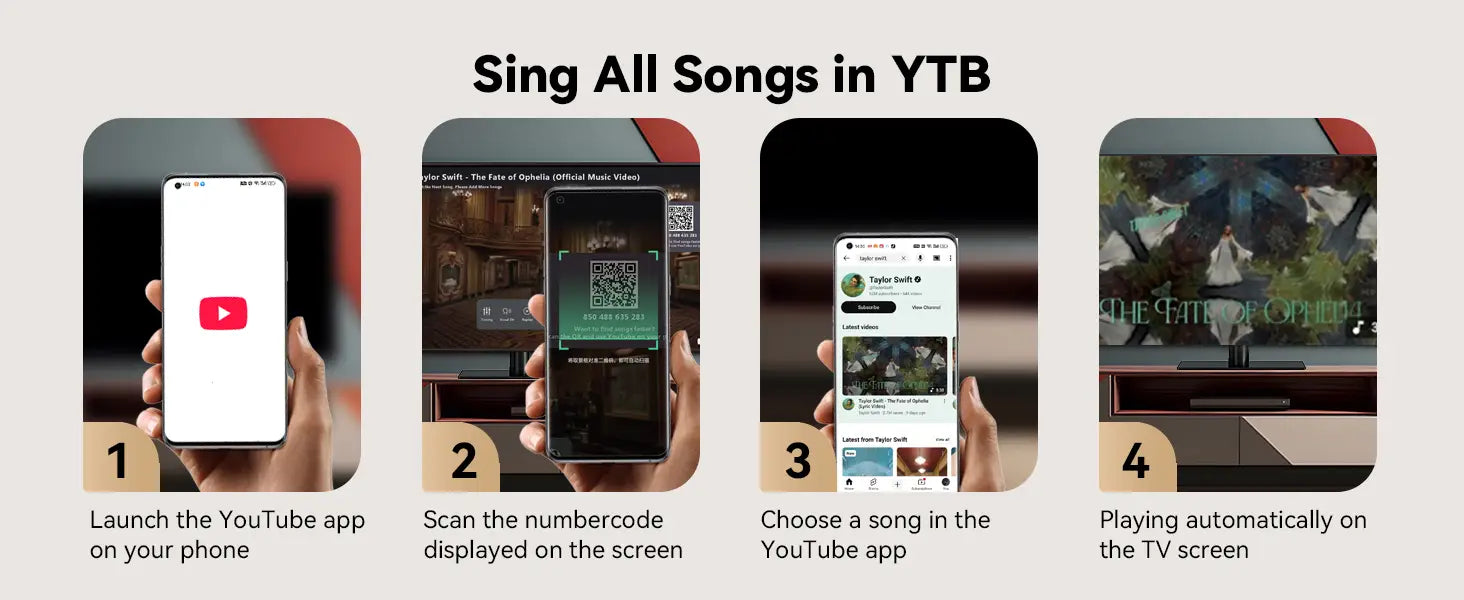
A6: A QR code is displayed in the search window at all times—simply scan it with your phone’s camera to link to your YouTube App!
or open YouTube App → tap TV icon → enter K3’s code. Voice search supported (see manual).
Q7: Manage playlists?
A7: When you find a song you like, you can click to add it to your FAVOURITE list. You can also find recently played songs in HISTORY. From FAVOURITES/HISTORY, you can categorize songs by language/genre/playlist.You can also change/delete the existing categorized songs!
For playlists: Click "Edit" to rename playlists or create new ones (e.g., "Dad’s Songs")
Q8: Change default images?
A8: Save photos to USB, plug into K3’s back port, load via SETTINGS/EXTERNAL USB. Edit playlists/languages to select new images.
Q9: What should I do if the mic has no sound or files won’t play?
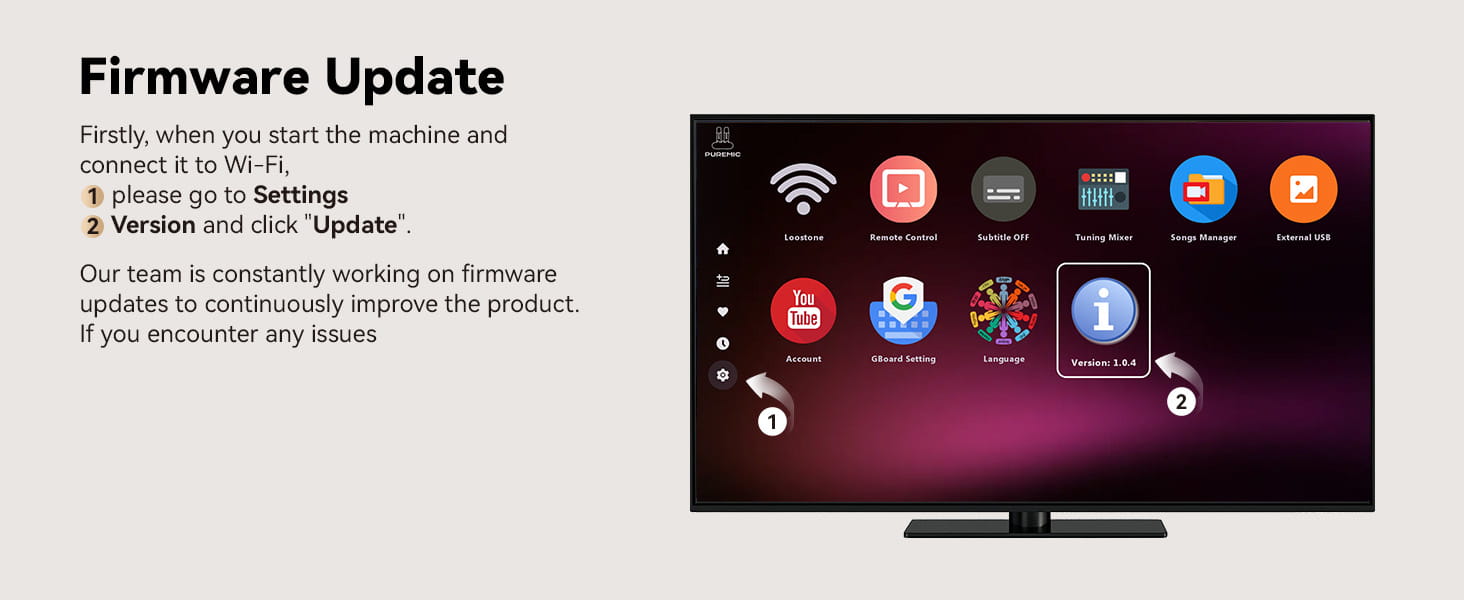
A9: Log into your YouTube Account if prompted. Skip unplayable files (rare uploader restrictions, all from phone-searched songs). Check for firmware updates via SETTINGS/VERSION.Contact seller if issues continue.